
A controlled setting for high-energy footage
Content creators often need a scene that feels real without turning into chaos on set. A rage room gives you a contained space where the action is easy to direct, the mess stays in one place, and the visual result is immediate. That makes it useful for creators working on reels, TikTok clips, YouTube segments, brand content, music visuals or social posts that need motion and impact.
From a production point of view, the value is simple. You get a space with a defined start, a clear moment of release and a strong finish. For filming in Cape Town, that helps when you are working around weather, traffic, limited call times or smaller crews. It also means you can plan your shot list around one compact location instead of moving between multiple sites across the city.
Who uses it and what they usually shoot
Creators use the room in different ways. Some want a solo reaction piece, others want a team sequence with quick cuts, shouted cues and close-up moments. It also works for creators who need a visual hook for a product launch, a lifestyle campaign, a challenge video or a themed group shoot. In Woodstock, the setting is practical for local crews, and it is close enough for productions coming from Stellenbosch, Paarl, Somerset West and Bellville.
Typical content ideas include:
- Short-form action clips for social media
- Behind-the-scenes footage for campaigns
- Music-related visuals and promo material
- Birthday or milestone content with friends
- Team content for staff socials or launch events
If you are bringing a photographer, videographer or a small production team, it helps to agree on the story before arrival. A quick plan keeps the session moving and avoids repeated resets.
Gear, safety and what to bring on shoot day
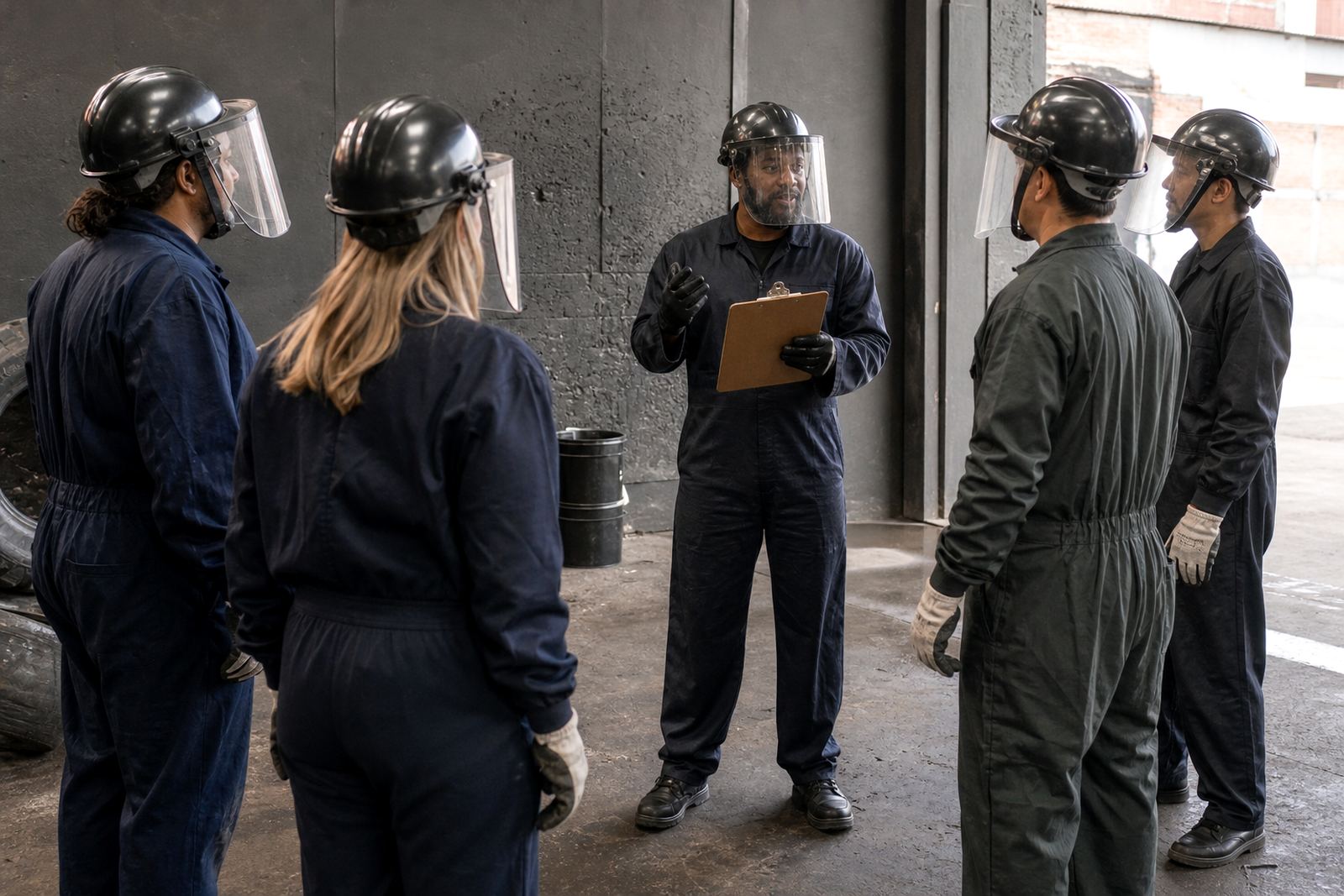
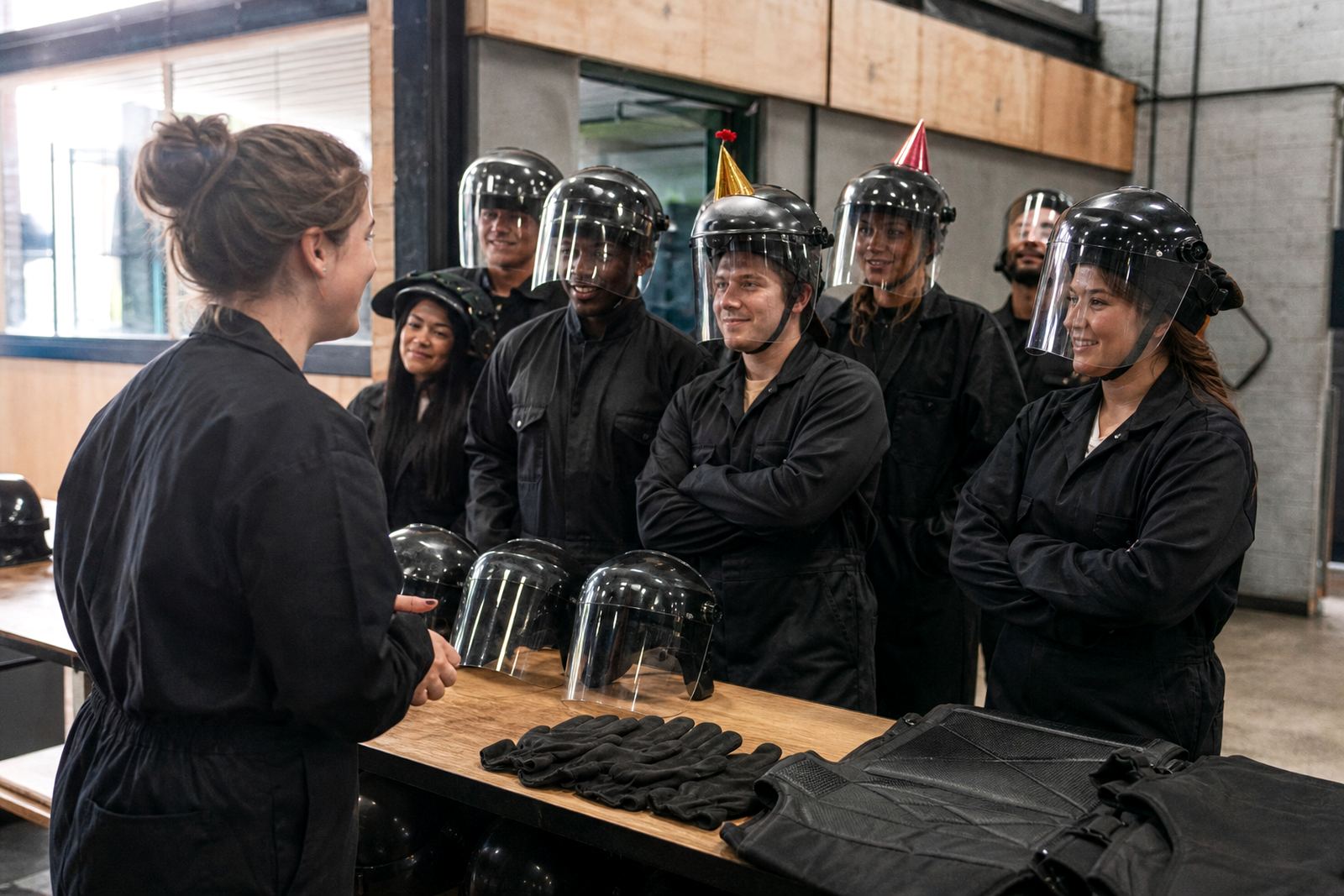
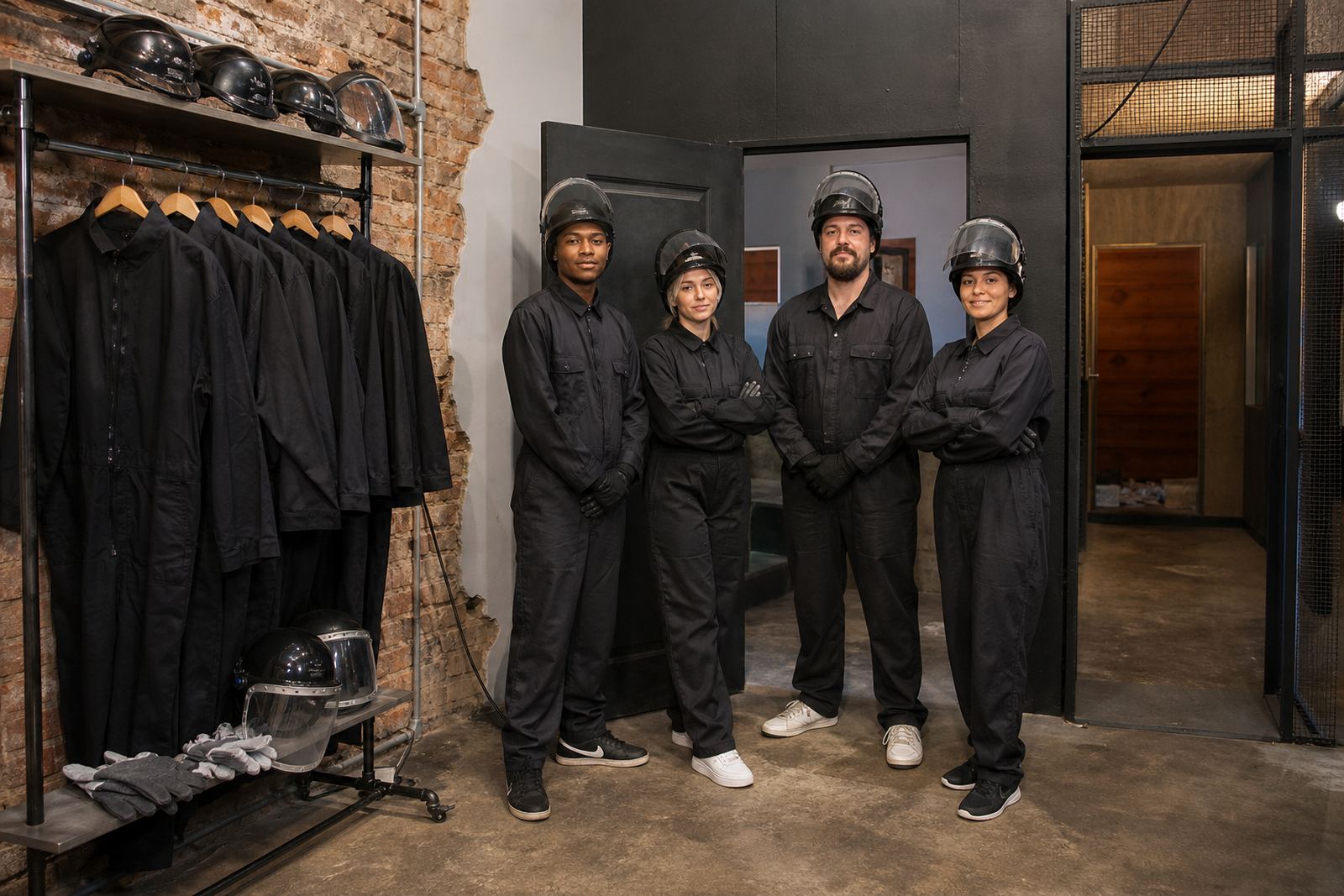
For creators, the safety side matters as much as the shot. Participants are briefed before entering, and the required protective gear normally includes a helmet, face shield, gloves, overalls and closed shoes. That gives your team a proper starting point and keeps the focus on the content rather than on avoidable mistakes. If you are planning to film close-up action, make sure your crew knows where they can stand and when to step back.
Most shoots go more smoothly when you keep your kit simple. Bring the camera bodies, lenses, batteries, memory cards and any small audio kit you need. If you are using lights or microphones, check the setup before the session starts so you are not changing batteries while the clock is running. In Cape Town, load-shedding and transport delays can affect timing, so it is wise to arrive early and keep spares on hand.
- Camera or phone rig with fresh batteries
- Wide lens for full-body action shots
- Close lens for face and hand detail
- Microphone if you want clean reaction audio
- Cloth and lens wipes for dust or marks
Planning the layout so the footage works
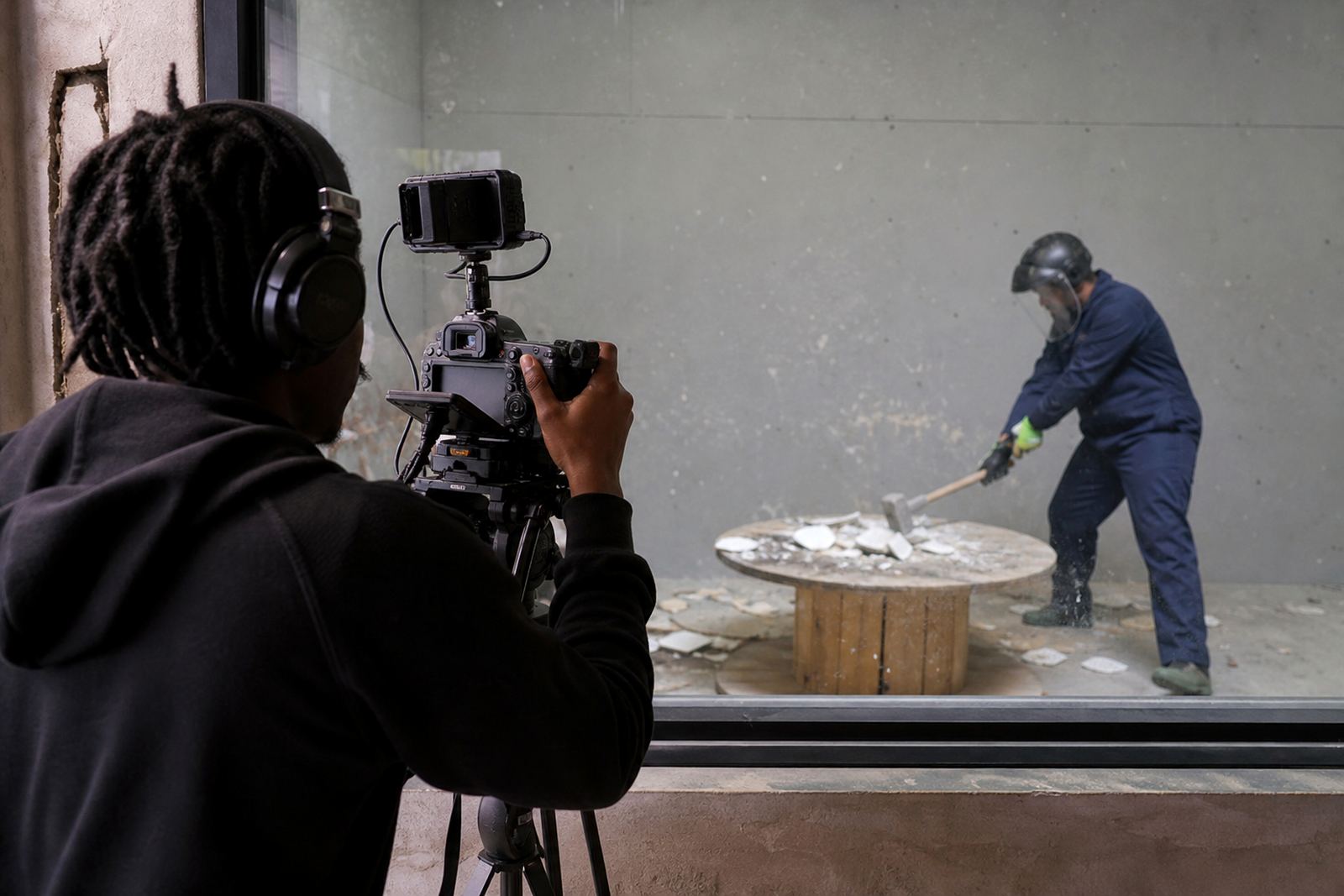
A strong shoot starts with the room layout. Decide where the camera will sit, where the subject will move, and where your clean angle is before the action begins. If you are shooting with a small crew, one fixed camera and one roaming angle is often enough. If you have a larger group, it helps to assign one person to manage timing and another to watch the frame so no one steps into shot at the wrong moment.
Think about your final edit while planning the space. Close shots work well for facial expressions, slow build-ups and reaction clips. Wider shots show the full movement and work better when you want the viewer to understand the setting in one frame. If you are capturing multiple creators, stagger the turns so each person gets their own sequence without crowding the space.
- Keep the main camera outside the direct action zone
- Mark where each person enters and exits
- Allow time for clean resets between takes
- Use one person to call action and one to manage safety
- Plan for dust, noise and fast movement in the edit
Common mistakes creators make
The biggest mistake is treating the session like a casual hangout instead of a planned shoot. Once the gear is on and the room is active, it moves quickly. If nobody has prepped the shot list, you can end up with repeated takes, poor angles and footage that is hard to use. Another common issue is bringing too many people into the room at once. That usually reduces the quality of the footage and makes the session harder to manage.
Creators also underestimate sound. Smashes are loud and the room can pick up extra noise from shouting, footsteps and equipment movement. If the final edit needs clear dialogue, record that separately. For social clips, reaction audio often works better than trying to capture every word in the room. Finally, do not forget wardrobe. Loose clothing, open shoes and unnecessary accessories can get in the way and slow everything down.
Budget ranges in Rand for creator sessions
Budgets vary depending on group size, session length, coordination needs and whether you are filming a simple reel or a more involved content day. As a general guide, creators should plan for a smaller solo or duo shoot at the lower end, then allow more for group bookings, private events or sessions that need extra coordination. If you are bringing crew, lighting, multiple participants or a branded concept, the spend will usually sit higher because there is more planning and on-site management involved.
Most creator bookings are easier to manage when you budget for the session itself, travel across Cape Town, basic production supplies and any post-shoot editing time. If you are shooting with a team from outside Woodstock, factor in extra time for traffic and parking. For brand content and launch material, it is also worth setting aside a buffer so the shoot can run a bit longer if the first setup needs adjustment.
For a straight-forward visual session, many creators work within a modest budget. For a larger group event or a more detailed content day, a wider range is sensible. If you are unsure, send the brief through the enquiry form on the contact page and outline your group size, location and shoot style so the booking can be matched to the right setup.