
Checking If You Can Record Your SmashDown Session
Guests often want to capture a session for social media, team memories or a birthday highlight reel. Recording is usually possible in a controlled way, but it must never interfere with safety briefings, protective gear or the space around other guests. If you are planning to film, let the team know when you send your enquiry through the contact page so the venue can advise on the best setup for your group.
In a rage room setting, the main priority is always safe movement, clear visibility and respect for the briefing. That means cameras and phones should be managed carefully, especially where glass, moving people and flying fragments are involved. Your host may ask you to keep recording to specific parts of the session, and that helps everyone stay focused.
- Ask about recording before the day of your visit
- Keep phones and cameras out of the smash area unless staff says otherwise
- Follow the venue lead if they limit movement during active smashing
What To Expect Before The Session Starts
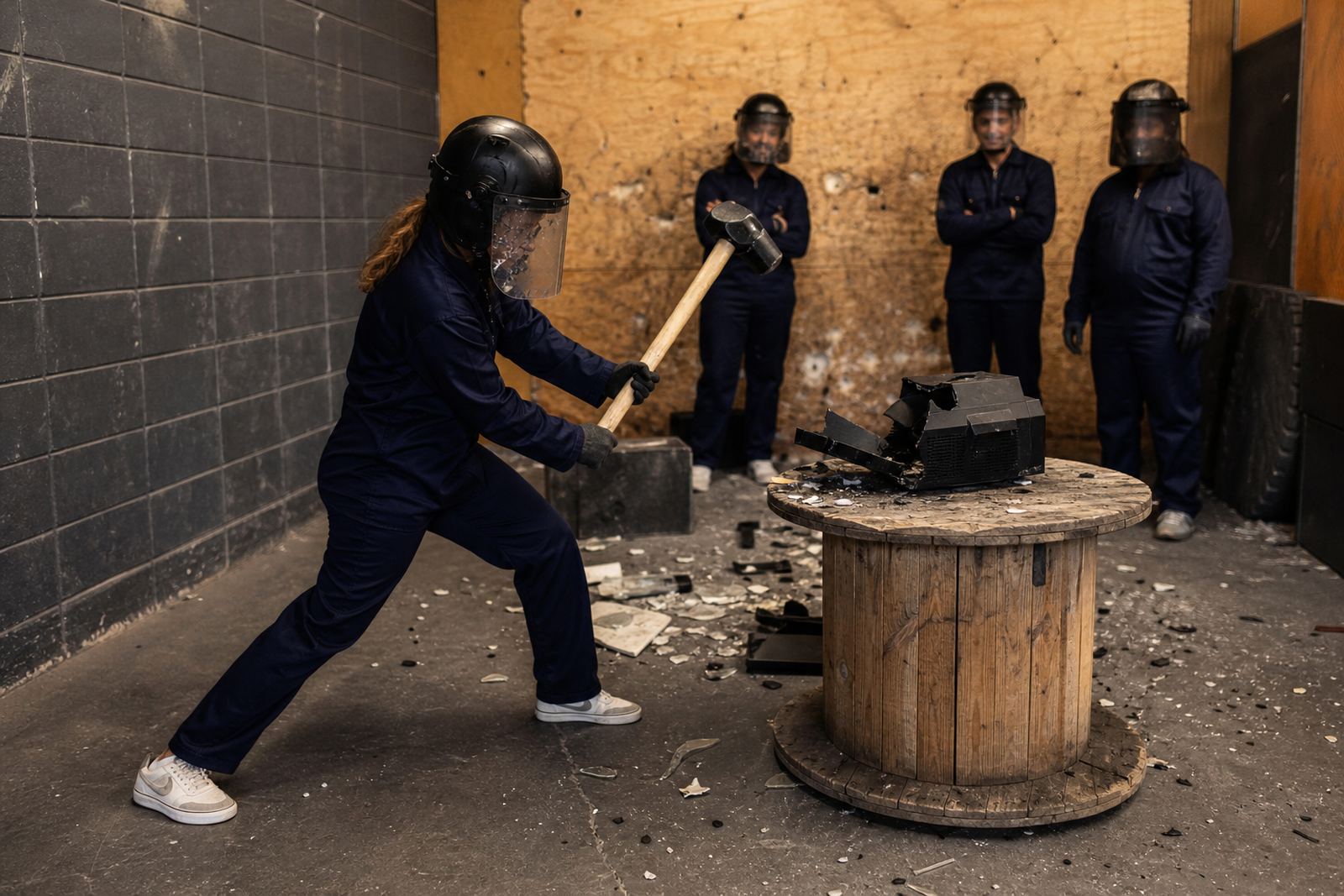
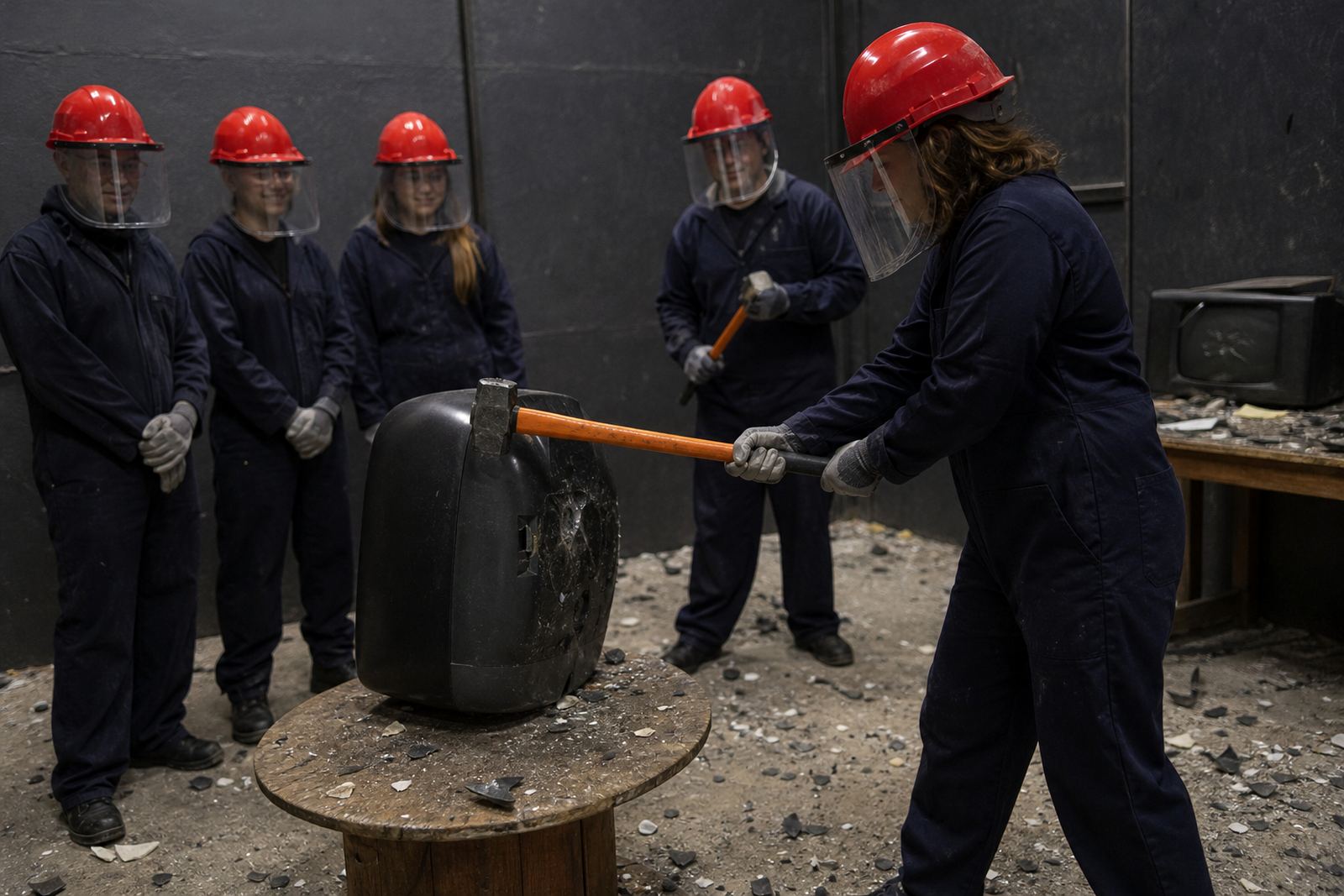
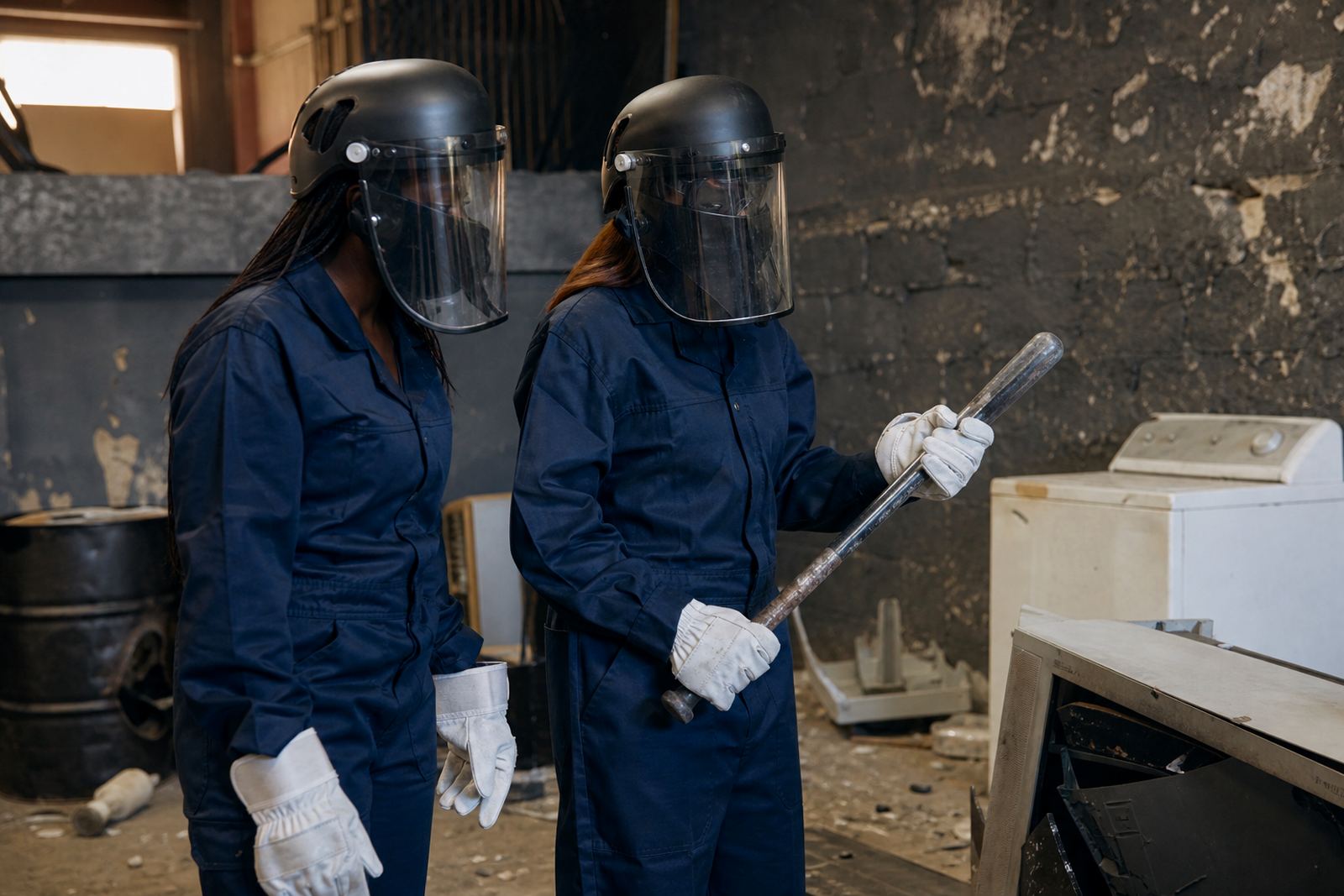
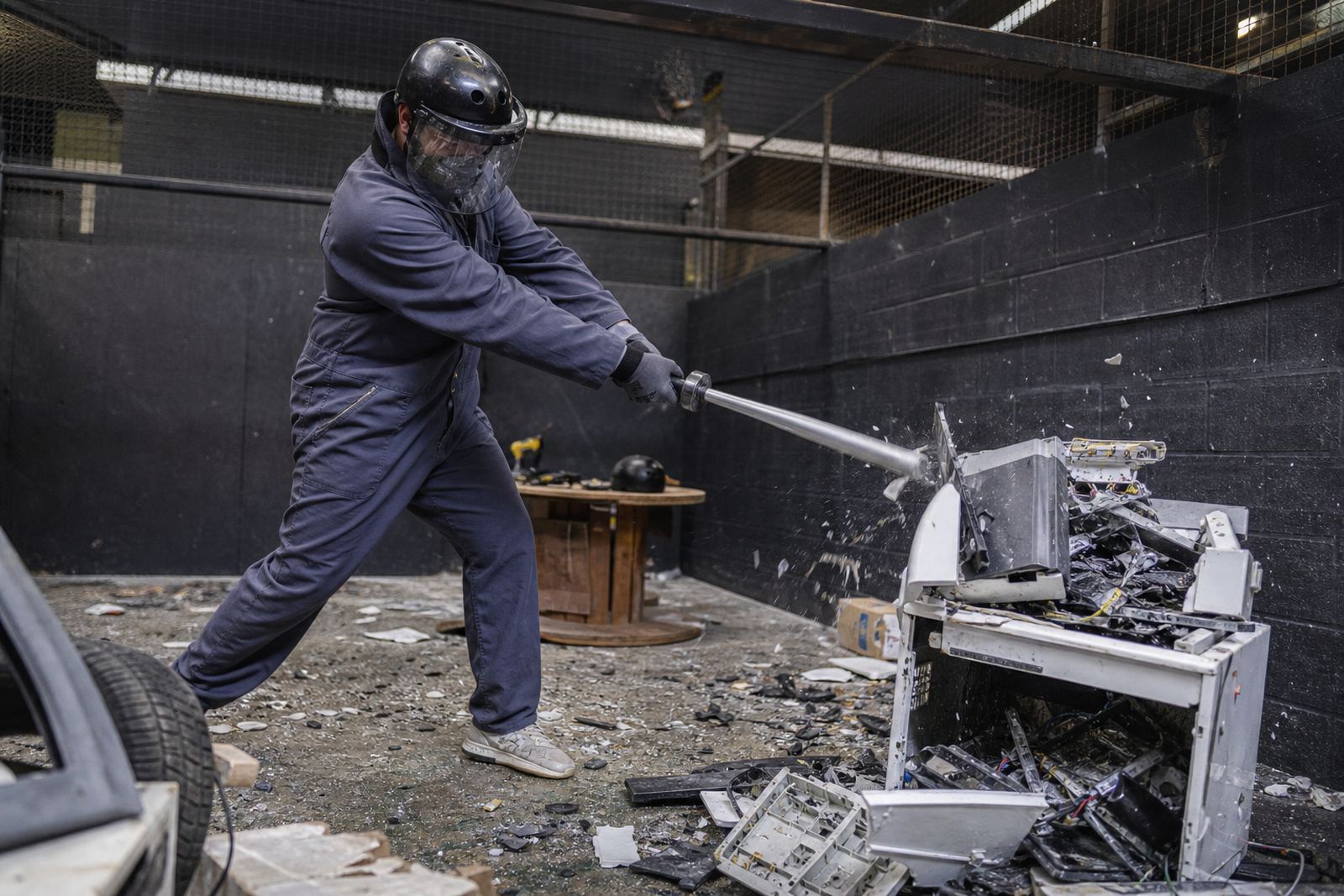
Before anyone enters the smash room, the team gives a safety briefing and explains how the session works. Guests are fitted with the usual protective gear, which can include a helmet, face shield, gloves and overalls, plus closed shoes. This is the point where any recording questions should be raised, since it is easier to plan angles and timing before the action starts.
For small groups and larger team events alike, the briefing also covers how to move around the room, where to stand and how to hand equipment between people. If you are bringing a photographer or you want a few clean shots for a birthday reel, tell the team early. The venue can then guide you on safe positions and whether a staff member needs to help manage the flow, which keeps things tidy and reduces confusion.
- Arrive a little early if you want time for photos before the session
- Wear comfortable clothing under the protective gear
- Make sure your phone battery is charged and storage is cleared
How Photo And Video Requests Are Handled
Recording support is handled on a case by case basis because every booking is different. A private event in Woodstock may need a different setup from a student booking in Bellville or a team building group from Stellenbosch. The team will look at the number of guests, the room layout and whether the session involves one person at a time or a group rotation. That helps decide if footage can be taken from the side, from a fixed position or only before and after the smash time.
Guests should expect straightforward instructions. If a camera angle is too close, the team may move it back. If a guest is wearing safety gear and needs help with a visor or gloves, recording pauses first. That way the session stays orderly and people do not miss the briefing or trip over equipment. It is practical, not complicated, and it works best when everyone cooperates.
- Keep lenses, tripods and bags outside the smash area unless approved
- Do not step forward while a session is active just to get a better shot
- Let the team know if you need a specific moment filmed for your group
Good Recording Tips For Groups And Events
If you are booking for a birthday, launch event, hen and stag group or staff social, a simple plan works best. Choose one person to handle the phone or camera so the rest of the group can enjoy the session. For longer events, it can help to split filming into a few short moments rather than trying to record the whole thing at once. That gives you better clips and less clutter in the room.
Light conditions can vary depending on the venue and the time of day, so test your settings before the session begins. In places like Cape Town and the surrounding suburbs, bright daylight can make screens hard to see, while indoor spaces may need a steadier grip and more careful framing. If there is load shedding or a power interruption at the venue, the team will handle the session safely and advise on any change to the recording plan.
- Use a firm grip or a small mount if the team allows it
- Record short clips rather than one very long video
- Check your audio because loud sessions can distort sound
Minimum Ages And Safety Rules For Recorded Sessions
Recording does not change the safety rules. Guests still need to meet the minimum age requirements for the session and follow the venue instructions from start to finish. Younger participants may be allowed only where the booking type and venue rules permit it, and a responsible adult may need to sign in or remain present. If you are unsure, ask before booking so there are no surprises on arrival.
The same applies to protective gear and footwear. Helmet, face shield, gloves, overalls and closed shoes are there to protect the participant, and any camera crew or family member watching from nearby must stay outside the active area. This is especially important for coastal humidity days in Cape Town where floors can feel slick, and for larger group events where movement around the room can get busy quick.
How To Ask For Recording Help On Your Booking
The easiest way to arrange recording support is to use the enquiry form on the contact page and include your session type, preferred venue area and whether you want photos, video or both. Mention if the booking is for a private event, team building, sports club event, content shoot or mobile event, because that helps the team plan the right setup. The base in Woodstock supports bookings across Cape Town, Stellenbosch, Paarl, Somerset West, Bellville, Observatory and Salt River.
If you are a business guest, event organiser or group leader, ask for guidance before the date so the venue team can build recording time into the session flow. That keeps the briefing clear, the gear on properly and the footage easier to capture. It also avoids last minute confusion, which is useful when the booking includes multiple guests or a tight event schedule.
- State your event type and guest count in the enquiry
- Say whether you need still photos, video or both
- Ask about any venue-specific recording limits before the day