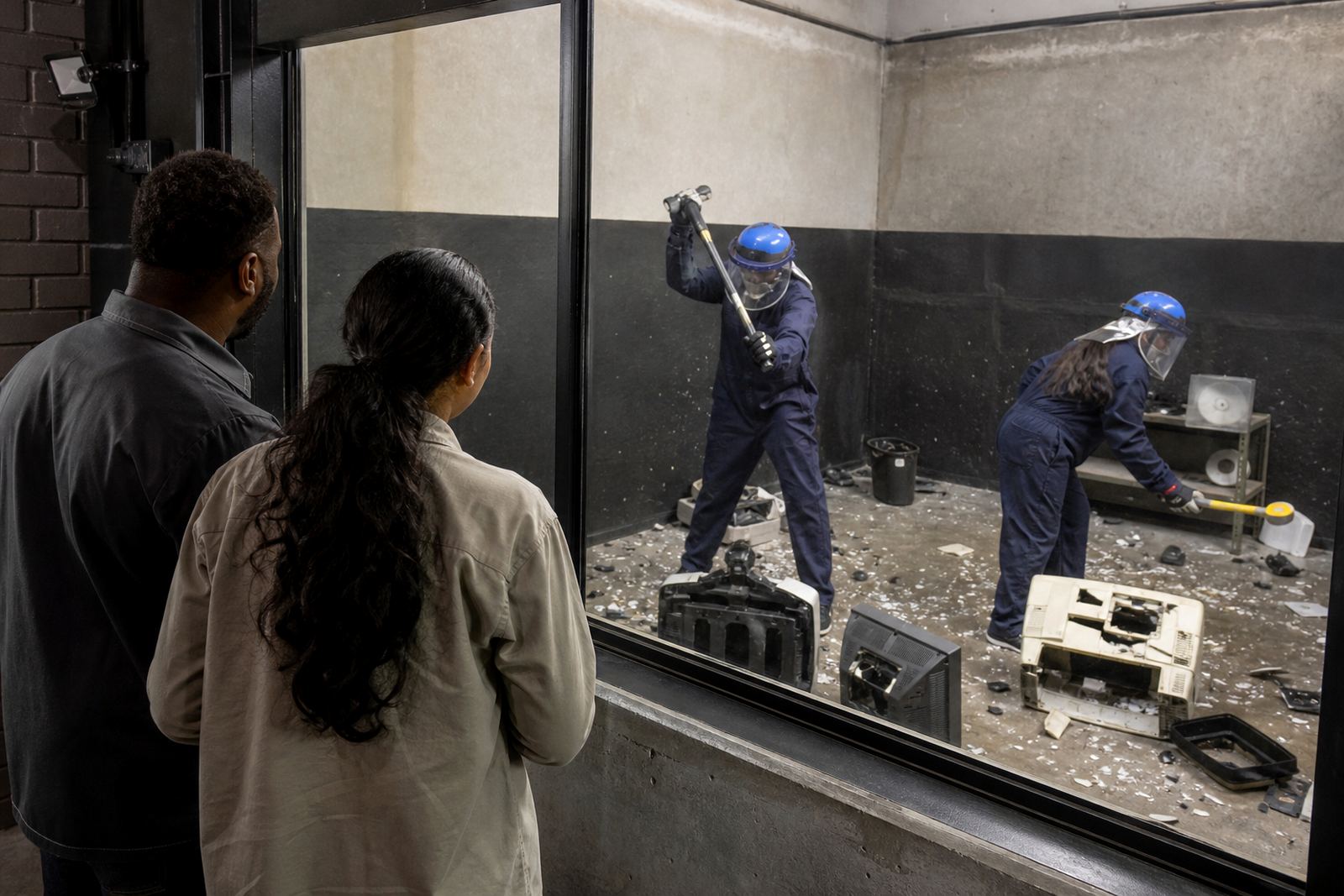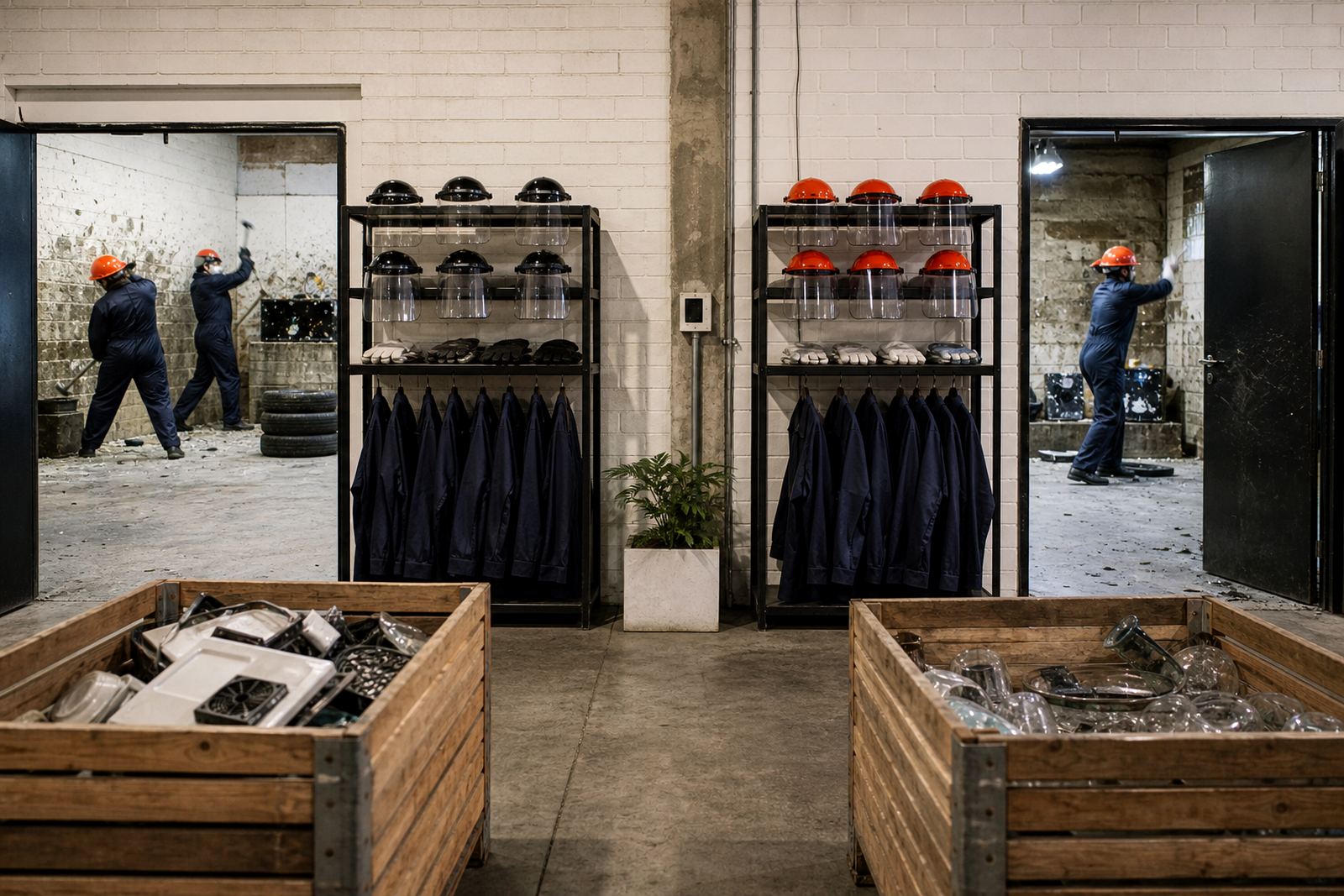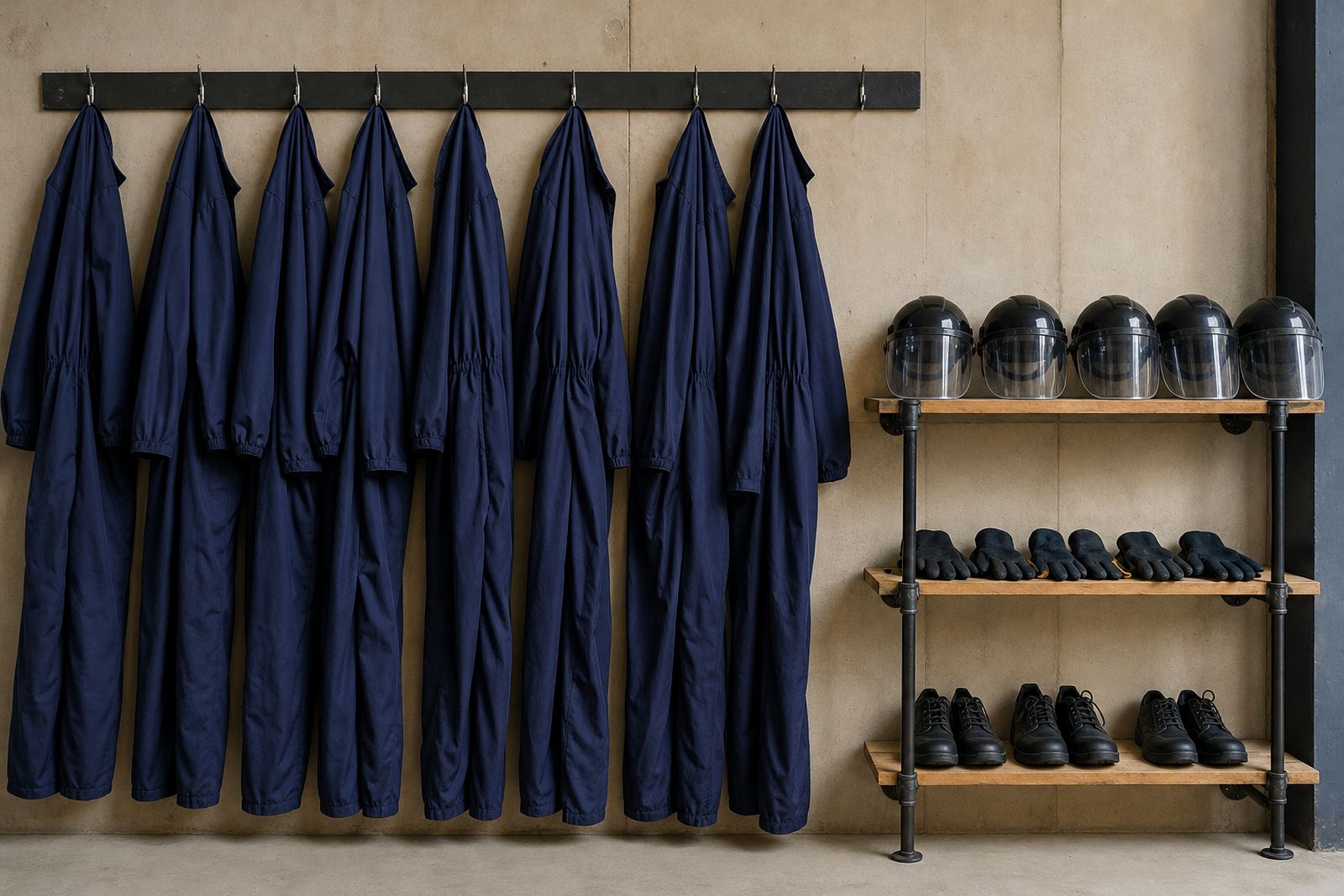

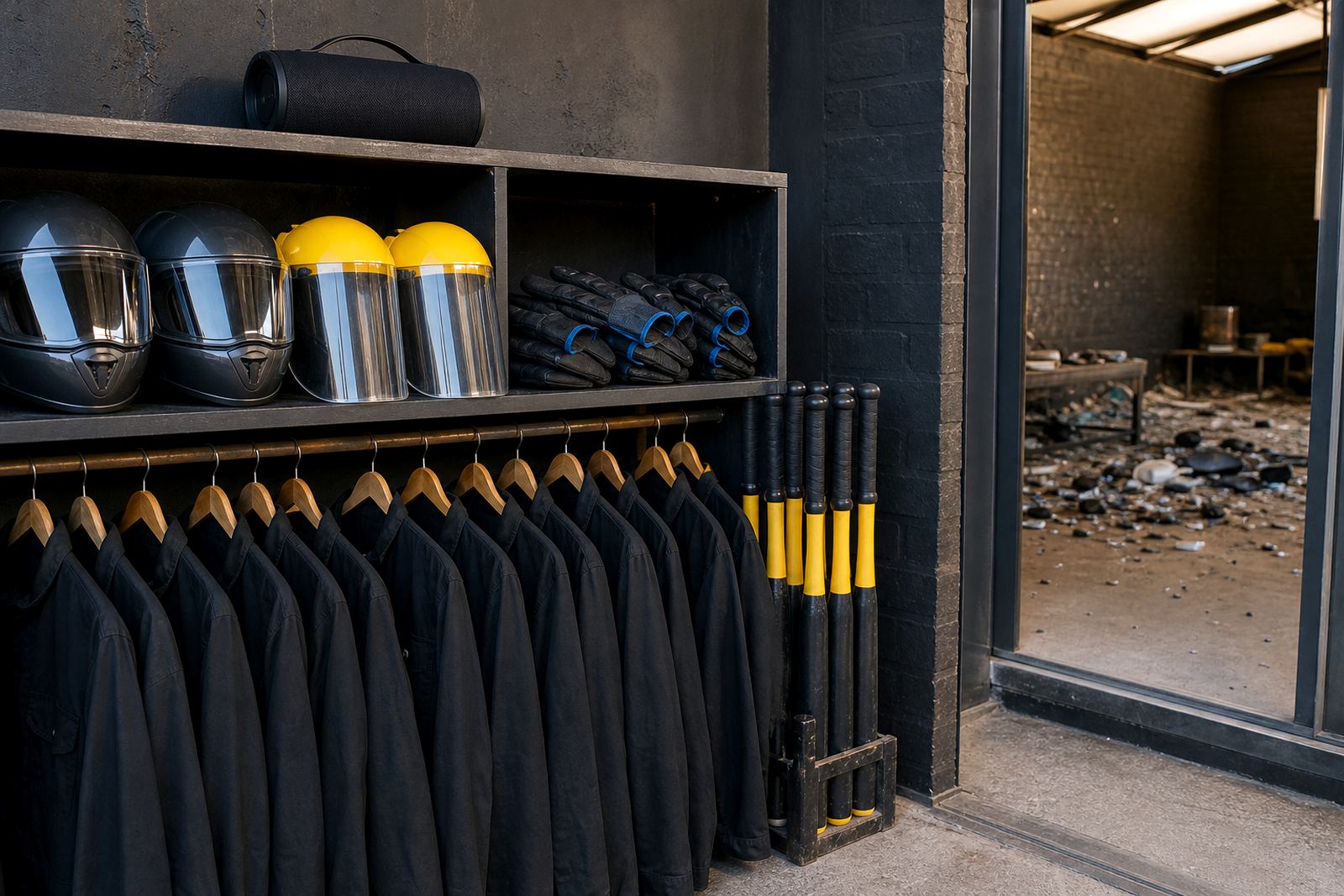
What the Music Add On Includes
The Music Add On lets your group bring a selected playlist into the session area so the room has the soundtrack you want while you get on with the smashing. It is a practical extra for people who want a bit more energy in the room, or for groups that prefer a familiar set of songs rather than silence.
The add on is used within venue rules, which means the music stays at a level that does not interfere with safety briefings, staff instructions or other bookings in the building. It is best suited to rage room sessions, private group hires and coordinated event bookings where the team wants a more personal feel without adding extra complexity to the setup.
Because the session space is controlled, the music option is kept simple. One playlist is loaded or connected before the session starts, then our team checks volume and playback so it remains clear but not disruptive. If you are booking for a mixed group, a work event or a birthday, it is a straightforward way to make the room feel more like your own for the day.
Playlist Options and Session Sizes
The add on works well for small bookings and larger group sessions. For a pair or a few friends, the playlist can run through a single audio point in the room. For bigger groups, the sound is balanced so everyone can hear it without the volume becoming harsh. In practice, the right option depends on the size of the booking, the layout of the venue and how many people are moving through the space at once.
We usually match the sound setup to the event type rather than forcing one approach on every booking. A birthday group may want a light, easy setup with familiar tracks. A staff social may need something that keeps the pace up between turns. For content shoots or event coordination, the playlist can be kept more controlled so it supports the session without overpowering the room.
- Solo or duo sessions with a simple playlist feed
- Small group bookings with one main audio point
- Medium event groups with balanced room sound
- Private sessions where the music forms part of the event mood
- Venue-managed playback for smoother handling during busy periods
Where It Suits Best
This add on suits bookings where the group wants an upbeat atmosphere and does not want the session to feel too quiet. It works well for team building, staff socials, hen and stag groups, student events and birthday bookings. It also fits private celebrations where the music matters almost as much as the activity itself.
For our Woodstock base in Cape Town, the add on is especially useful for local groups who want an easy event add on without extra planning. It also suits visitors coming in from Stellenbosch, Paarl, Somerset West and Bellville who want one clean booking flow and clear venue guidance. If your group is planning a mobile event or a content shoot, music can help with pacing but it still needs to stay within the site rules and the host venue limits.
In shared areas or mixed-use sites such as Observatory and Salt River, we keep sound levels sensible so the session does not create issues with neighbouring businesses or building management. That matters in Cape Town where venues can sit close to offices, workshops and residential spaces.
Installation and Power Setup
The music equipment is set up before the session begins, so guests do not need to manage cables or fiddle with settings while wearing safety gear. Depending on the booking, the system may be a compact speaker arrangement or a small venue audio point with simple playlist control. It is arranged to be easy to use and quick to reset between groups.
Power needs are modest. The add on usually requires a standard mains supply at the venue and enough clearance around the audio point so cables stay tidy and out of the way. There is no gas requirement for the music add on, but the setup still needs stable power, especially in Cape Town where load-shedding can affect timing. If power supply is interrupted, the booking team will advise on the best approach for the session and venue conditions.
- Standard mains power for the audio unit
- Safe cable routing away from walkways and smash zones
- Indoor use preferred for clearer sound and better control
- Volume adjusted to suit the room and briefing needs
- Music checked before the group enters the session area
Care, Cleaning and Servicing
Like the rest of the session equipment, the music add on needs regular checks so it keeps working properly. The controls are kept clean, the speaker housing is inspected and the playback connection is tested before busy periods. If the venue has a full day of bookings, the system is checked between sessions so the sound does not cut out or start distorting mid-booking.
Guests should not handle the equipment unless staff ask them to, and drinks should be kept away from the audio point. That is especially important for group events where people are moving around, laughing and changing rooms often. If the venue has dust from smashed items or packaging, the setup is wiped down after use so the equipment stays in good condition.
We also keep an eye on sound limits. Too much volume can make briefings harder to hear and that is not practical in a room where safety instructions matter. A music add on should support the session, not take over the space.
What to Check Before You Add It On
Before you confirm the music add on, check a few details so the booking runs smoothly. The main thing is who will control the playlist and whether you want us to manage playback or whether your group will arrive with the tracks ready. It helps to know the size of the group, the event type and whether the booking is in a single venue or part of a larger event package.
You should also think about the feel you want in the room. Some groups want fast, high-energy tracks. Others want a more relaxed mix while they take turns. If the event is a launch event, content shoot or corporate booking, let us know if the music needs to stay low for filming or speaking. That saves time on the day and avoids unnecessary changes after everyone is already suited up.
- Confirm the booking size and event type
- Check whether the playlist will be supplied by your group
- Tell us if you need playback for the full session or only parts of it
- Let us know about filming, speeches or scheduled announcements
- Advise on any site limits that may affect sound levels
If you are booking from Cape Town, Stellenbosch, Paarl, Somerset West or Bellville, the music add on can be matched to the venue and group size before arrival. For enquiries, use the form on our contact page and our bookings team will take it from there.
Why Groups Add Music to a Smash Room Booking
Music changes the pace of a session. It helps people settle in, move between turns and keep the atmosphere light without turning the space into something uncontrolled. For a lot of groups, that matters as much as the smashing itself because the session becomes easier to remember and better suited to the occasion.
It is a good fit for birthdays, team events and private group bookings where the host wants a bit more personality in the room. It also works for people who arrive after a long week, a traffic-heavy Friday or a load-shedding day and want the booking to feel organised and enjoyable from the first briefing to the last turn. With the right playlist and a sensible volume, the add on fits neatly into the session without complicating the day.
Key facts
| Product type | Venue music add on for rage room sessions |
|---|---|
| Use case | Individuals, groups, private events and team bookings |
| Playback options | Curated playlist or group-supplied playlist |
| Audio format | Portable speaker or venue audio point |
| Power requirement | Standard mains power at venue |
| Venue fit | Indoor use in controlled session areas |