
What the recording add-on includes
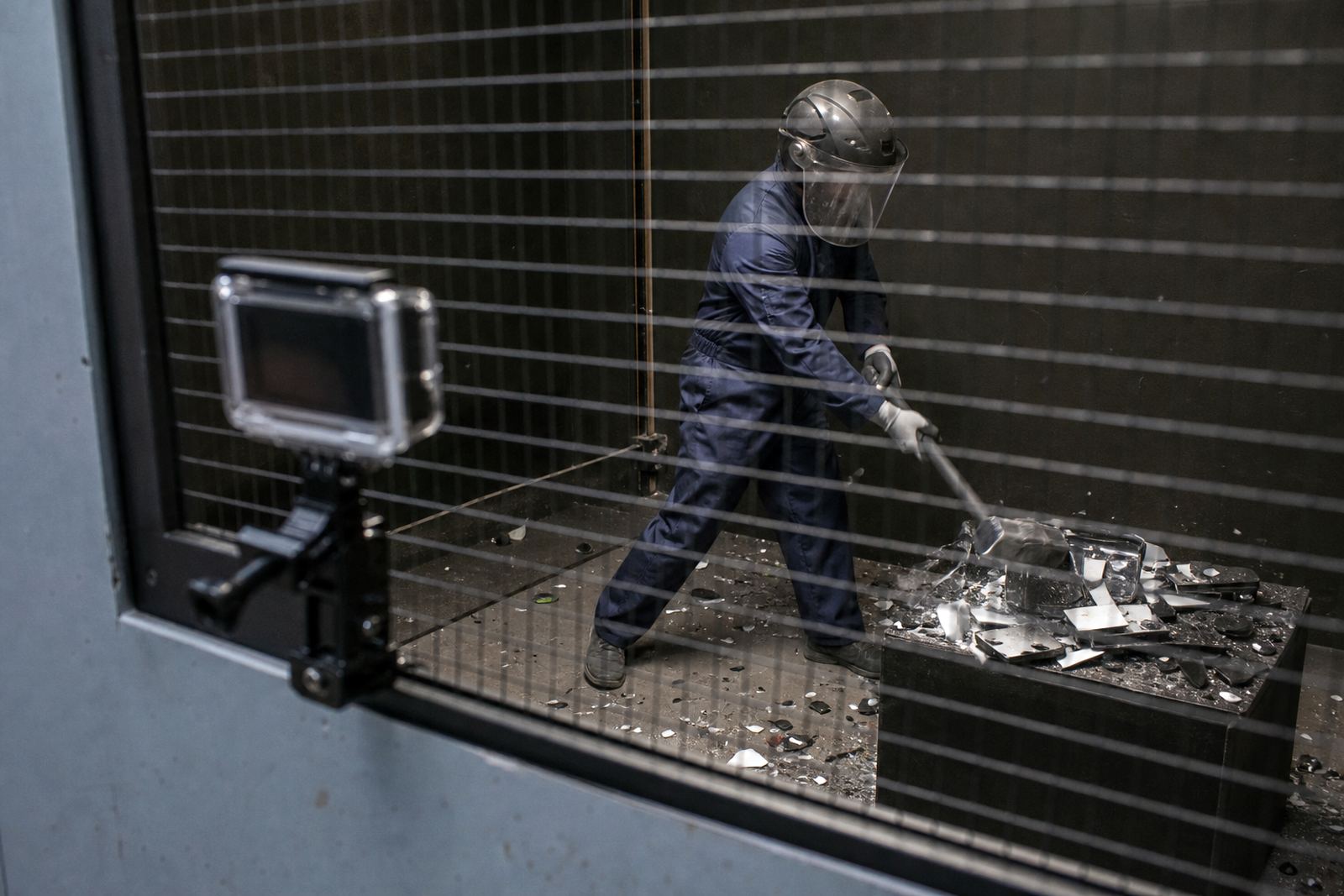
This add-on is for guests who want their rage room session filmed on action footage while they focus on the smash. The camera is set up before your booking starts, then positioned to record the most active parts of the room without getting in the way of the safety briefing or the flow of the session. It suits individuals, couples, groups and event bookings where you want a simple keepsake of the day.
The recording is managed as part of your booking, so there is no need for guests to handle equipment during the session. Our team checks the angle, framing and protection on the device before the room is used. The setup is practical for Cape Town conditions too, including dust, coastal humidity and the occasional load-shedding interruption that can affect timing at venues across Woodstock, Salt River and Observatory.
- Action camera footage from the rage room session
- Mounted setup, not hand-held filming
- Suitable for individuals and group bookings
- Works with private events, team days and celebrations
Best fit for private bookings and event groups
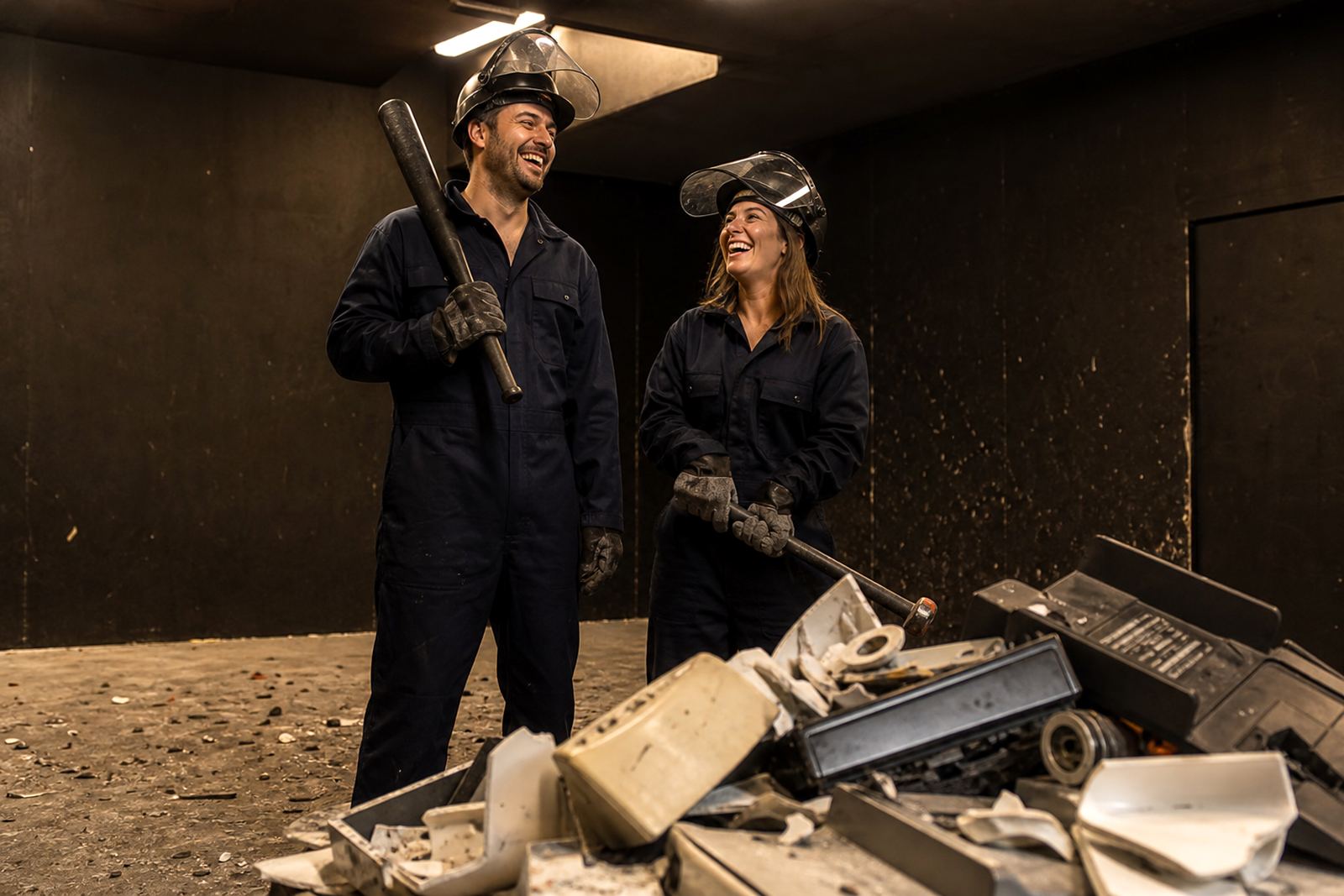
Recording works well when the booking is about more than a single session. It is often chosen for birthday events, hen and stag groups, staff socials, student events, sports club events and launch events where guests want to look back on the day afterward. For corporate teams, the footage can be useful for internal highlights, content planning or just a bit of shared fun after the event, without turning the session into a production.
We keep the setup neat and straightforward. If you are booking for a larger group, the camera can be used to capture more than one participant in the same session, depending on room layout and how the activity is structured. For smaller bookings, the view is tighter and more personal, which works well for a single guest or a pair going through a session together.
- Suited to individual sessions and group smash room bookings
- Useful for celebrations and team events
- Can suit indoor venue sessions or mobile event setups
- Planning support available for different group sizes
Camera sizes, mounting options and format
We use a compact action camera format because it is easier to place safely in a busy environment. It is small enough to fit into a mounted position, but still gives clear footage of movement, impacts and reaction shots. For some bookings the camera is mounted low and angled upward, while for others it is placed higher or farther back to capture a wider view of the room. The choice depends on the space, the event type and what kind of clip you want to keep.
The recording is generally supplied in a simple digital format that can be shared after the session. If you are booking for content shoots or event coverage, let us know the kind of framing you want before the day so the team can set the angle correctly. We do not use oversized kit in the room, because that can interfere with safety and reduce the space available for movement.
- Compact action camera format
- Low mount, high mount or wider room angle depending on setup
- Suitable for indoor spaces and controlled event areas
- Digital file delivery for easy sharing
Power, placement and venue requirements
The recording add-on needs a steady power source or charged battery support, depending on the venue arrangement and the length of the booking. In fixed venues around Woodstock and nearby areas, we usually work from a stable power point. For mobile events in Stellenbosch, Paarl, Somerset West or Bellville, we check the venue access first so we know whether power backup or a charge cycle is needed before guests arrive.
Placement is important. The camera must be clear of swinging movement, loose debris and any area where protective gear might knock it over. Our crew handles the setup and checks that it does not block the session or create a trip point. If the event is outdoors or in a mixed-use function area, the camera position may need a bit more protection from wind and dust, so it helps to tell us about the venue surface and layout ahead of time.
- Needs charged power or a fixed power point
- Placement checked against movement, debris and room flow
- Suitable for venue-based and mobile bookings
- Outdoor or mixed-use spaces may need extra protection
How it works with safety gear and briefing
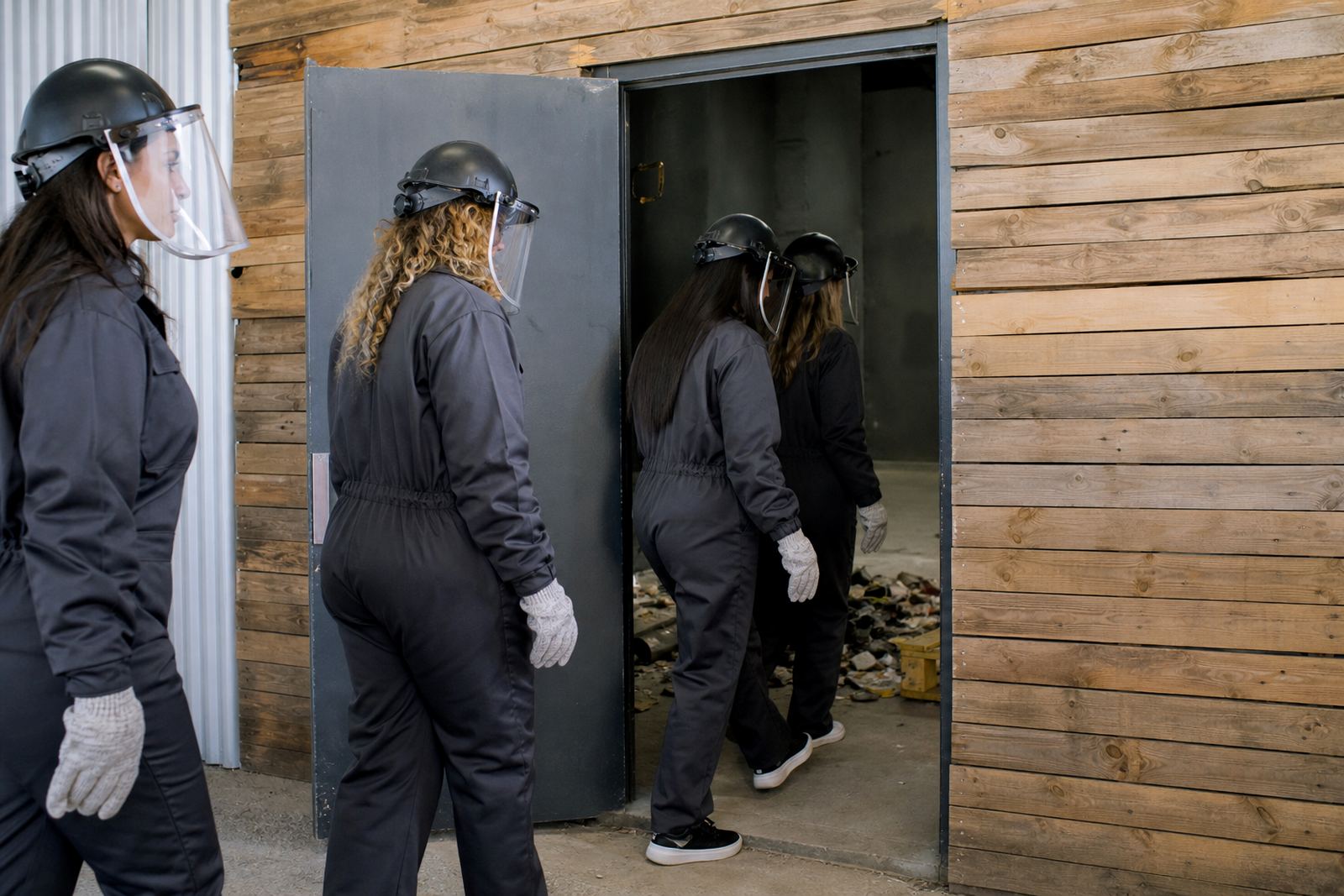
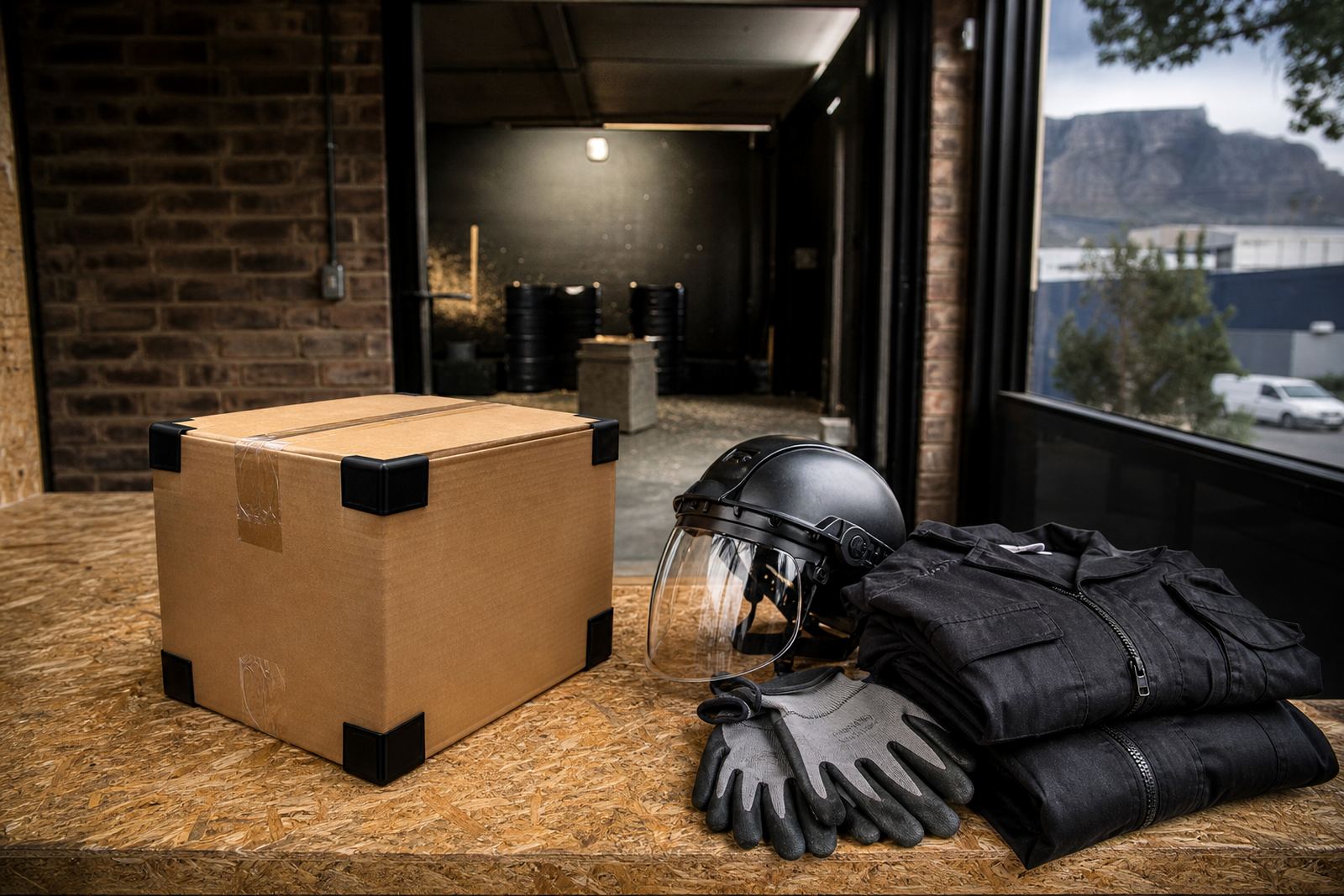
The recording add-on never replaces the safety process. Guests still receive the standard briefing before entering the room and must wear the required gear, which typically includes a helmet, face shield, gloves, overalls and closed shoes. The camera is there to capture the session, not to distract from the rules. If a participant needs help with fit or movement, the crew deals with that first before any recording starts.
Minimum age rules are applied as part of the booking, and the team will confirm suitability before the session begins. That matters for mixed-age groups and event organisers arranging activity days for staff or students. If you are booking for people who have not done a rage room before, the recording can still be added, but the briefing stays the priority and every guest is expected to follow the same safety steps.
- Safety briefing still comes first
- Helmet, face shield, gloves, overalls and closed shoes required
- Minimum age checks apply before the session
- Recording does not change the room rules
Care, servicing and what to confirm when you book
The camera is checked, cleaned and handled between bookings so it stays ready for the next session. Because rage rooms create dust, vibration and stray debris, the equipment needs regular care to keep the lens clear and the mount steady. Our team inspects the unit before use and again after the booking, especially for longer events where there may be multiple guests going through the room.
When ordering this add-on, check a few practical points so the session runs properly. Tell us how many guests are taking part, whether the booking is for a private event or a standard visit, and whether you want a single-session clip or coverage across more than one round. If you are planning a content shoot, let us know in advance so we can confirm the layout, power needs and filming angle. That helps avoid delays, and it keeps the room ready for the next group as well.
- Lens and mount checked between bookings
- Good for dust-heavy and high-impact sessions
- Confirm guest numbers and booking type before arrival
- Share your preferred filming angle or coverage needs in advance
Key facts
| Product type | Action camera recording add-on for rage room sessions |
|---|---|
| Best for | Individuals, groups, private events and team bookings |
| Mounting | Fixed safe mount, positioned clear of guest movement |
| Power | Charged battery support or fixed power point, depending on venue |
| Output | Digital recording suitable for sharing after the session |
| Venue fit | Indoor venues and selected mobile event setups in the Western Cape |